> For the complete documentation index, see [llms.txt](https://docs.snomed.org/llms.txt). Markdown versions of documentation pages are available by appending `.md` to page URLs; this page is available as [Markdown](https://docs.snomed.org/snomed-ct-user-guides/authoring-user-guide/how-to/reporting-platform/read-an-existing-report.md).
# Read an existing report
| Steps | References | | |
| ---------------------------------------------------------------------------------------------------------------------------------------------------------------------------------------------------------------------------------------------------------------------------------------------------------------------------------------------------------------------------- | --------------------------------------------------------------------------------------------------------------------------------------------------------------------------------------------------------------------------------------------------------------------------------------------------------------------------------------------------------------------------------------------------------------------------------------------------------------------------------------------------------------------------------------------------------------------------------------------------------------------------------------------------------------------------------------------------------------------------------------------------------------------------------------------------------------------------- | ---------------------------------------------------------------------------------------------------------------------------------------------------------------------------------------------------------------------------------------------------------------------------------------------------------------------- | ------------------------------------------------------------------------------------------------------------------------------------------------------------------------------------------------------------------------------------------------------------------------- |
| Reports for queries that have been run and already available are listed with status Complete. This status links to the completed report which is stored as a Google Sheet in a Google Drive shared folder - press the label or the icon to open the Google Sheet report. | | | |
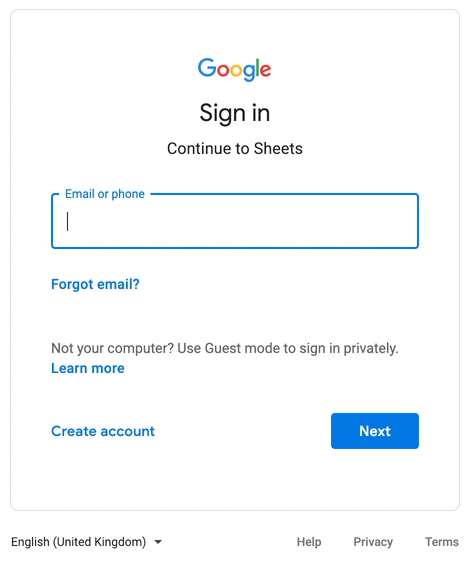
| If you are not already signed in to your Google account in an existing browser session, you’ll be prompted for your Google credentials. Enter these to proceed and view the report sheet. | | | |
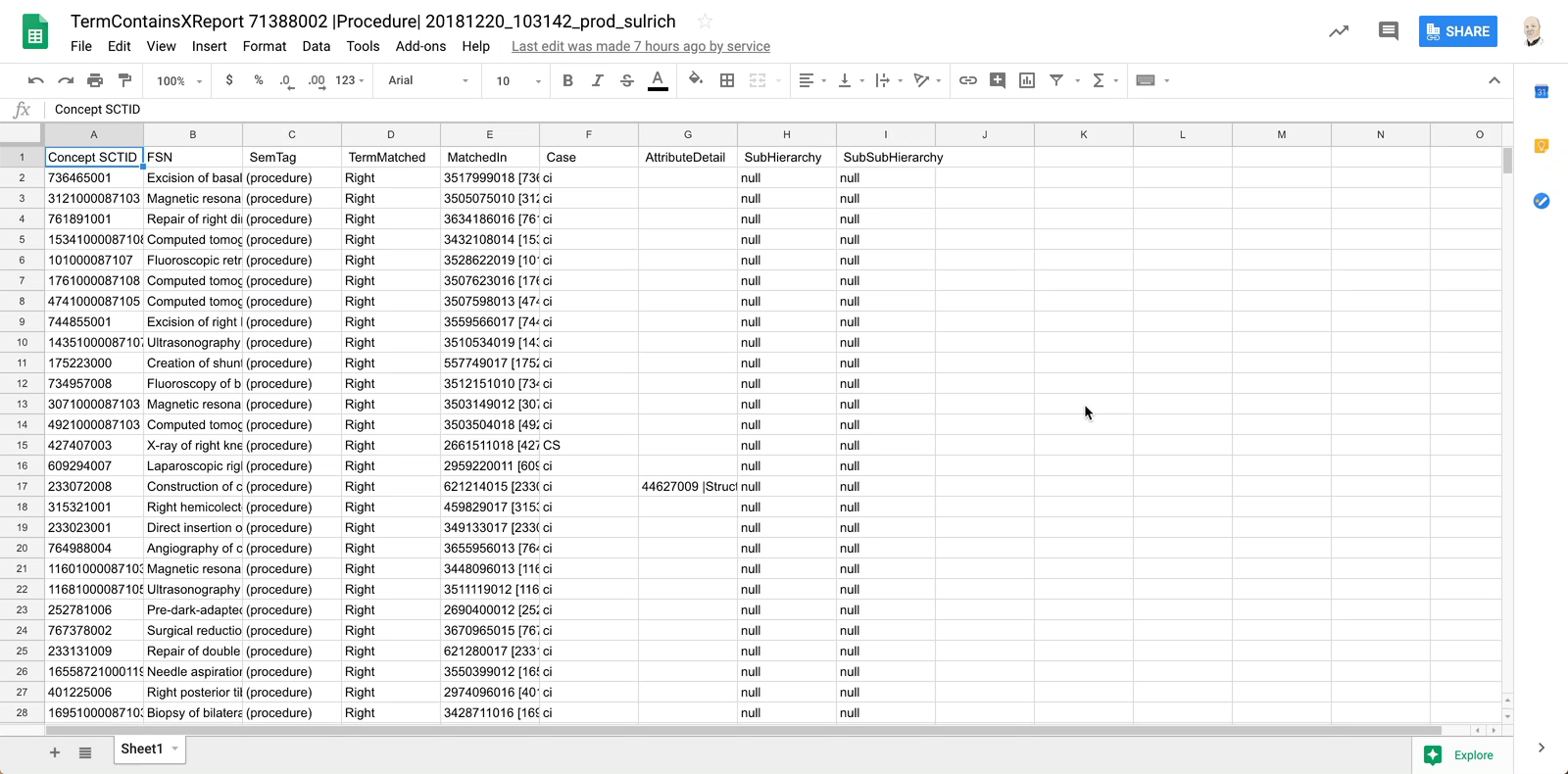
| An example report is shown in the screenshot for
TermContainsXReport 71388002 | Procedure | 20181220\_103142\_prod\_sulrich.
The sheet name contains the report title followed by the run date-time (in YYYYMMDD\_HHMMSS format), a platform identifier (prod), and finally the account name of the originator (ie the account login under which the report query was run).
| |
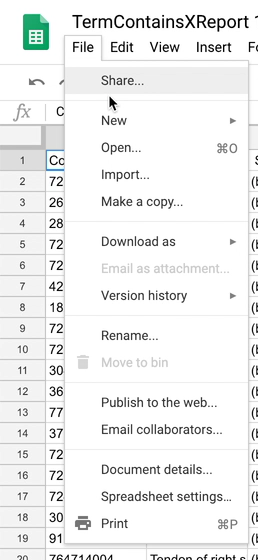
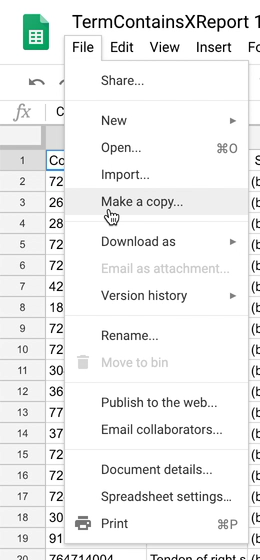
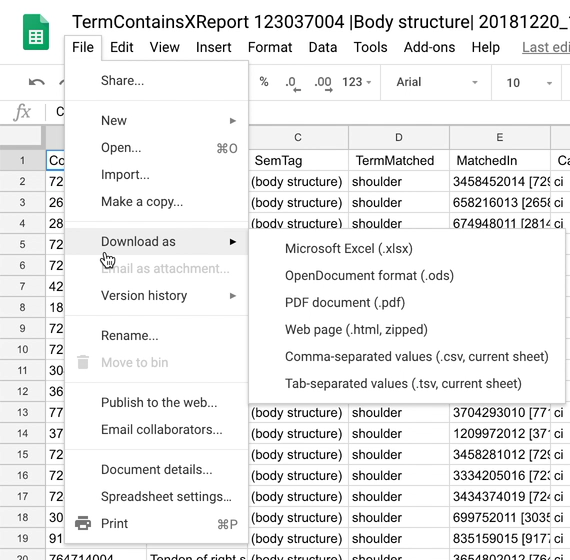
| Since the report itself is a Google Sheet, all the options and services associated with a shared Google Sheet are available for further processing and analysis as needed, such as copying to a personal sheet for further analysis/manipulation, download as a file in various formats for offline review and processing (including exporting to other tools and services). | | | |
Provide Feedback
---
# Agent Instructions
This documentation is published with GitBook. GitBook is the documentation platform designed so that both humans and AI agents can read, navigate, and reason over technical content effectively. Learn more at gitbook.com.
## Querying This Documentation
If you need additional information that is not directly available in this page, you can query the documentation dynamically by asking a question.
Perform an HTTP GET request on the current page URL with the `ask` query parameter, and the optional `goal` query parameter:
```
GET https://docs.snomed.org/snomed-ct-user-guides/authoring-user-guide/how-to/reporting-platform/read-an-existing-report.md?ask=&goal=
```
`ask` is the immediate question: it should be specific, self-contained, and written in natural language.
`goal` is optional and describes the broader end goal you are ultimately trying to accomplish on behalf of the user. GitBook uses it to tailor the answer towards what is most useful for that goal.
The response will contain a direct answer to the question and relevant excerpts and sources from the documentation.
Use this mechanism when the answer is not explicitly present in the current page, you need clarification or additional context, or you want to retrieve related documentation sections.